
The free versions handle RSVPs, timelines, your story, templates, guest lists, and basic customization, so most couples can build what they need without paying.
Paid options start at $15/month and climb to $299/year, but Joy, Zola, and The Knot offer the core functionality at no cost, so the case for paying depends on what the free tier leaves out for your situation.
1. Online RSVP
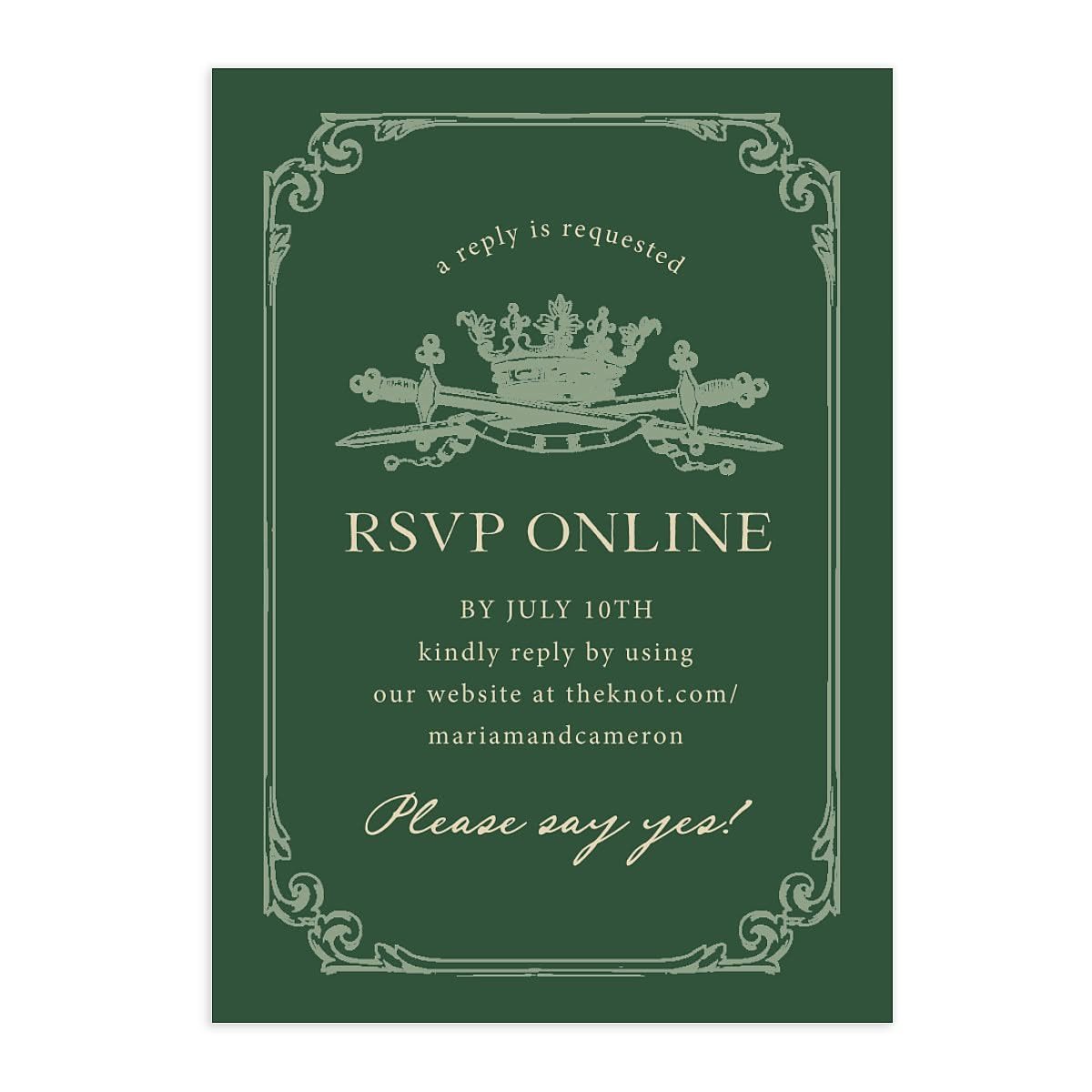
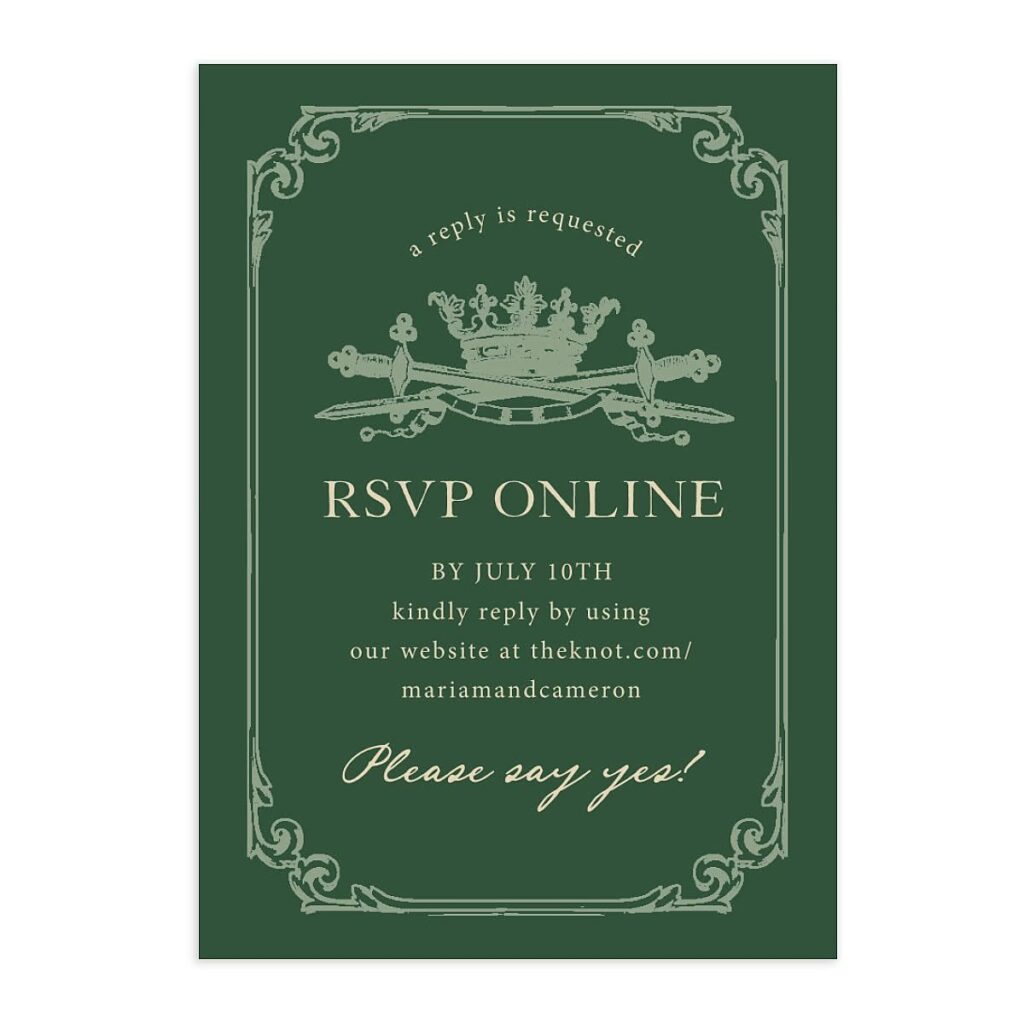
This RSVP card sends guests straight to an online form instead of asking them to mail anything back. The printed card gives the deadline and the website address where they’ll enter their response.
You build the RSVP form once, then responses land in a list you can check anytime. No stamps, no chasing down cards that never arrived, and you can see who’s coming the moment they submit.
The printed card still matters. It sits in the invitation suite and tells guests exactly where to go.
2. Wedding Schedule Timeline
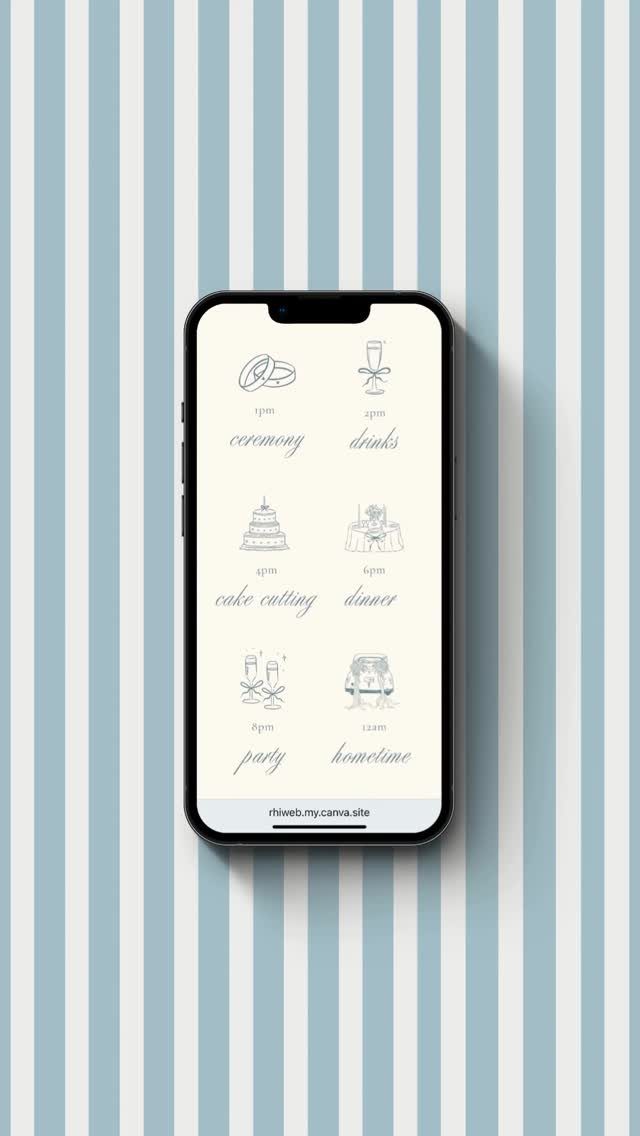
A timeline page walks guests through the day hour by hour so they know when to show up and what happens when.
This one breaks the schedule into blocks with an icon for each: ceremony, drinks, cake, dinner, party, and the send-off.
Most free website builders let you add a schedule section where you type in each event and its time.
Guests can pull it up on their phone during the day if they need a reminder, which beats printing timeline cards for every seat.
Keep it simple. List the timing, not every small transition, and guests will know where to be.
3. Love Story Wedding Website
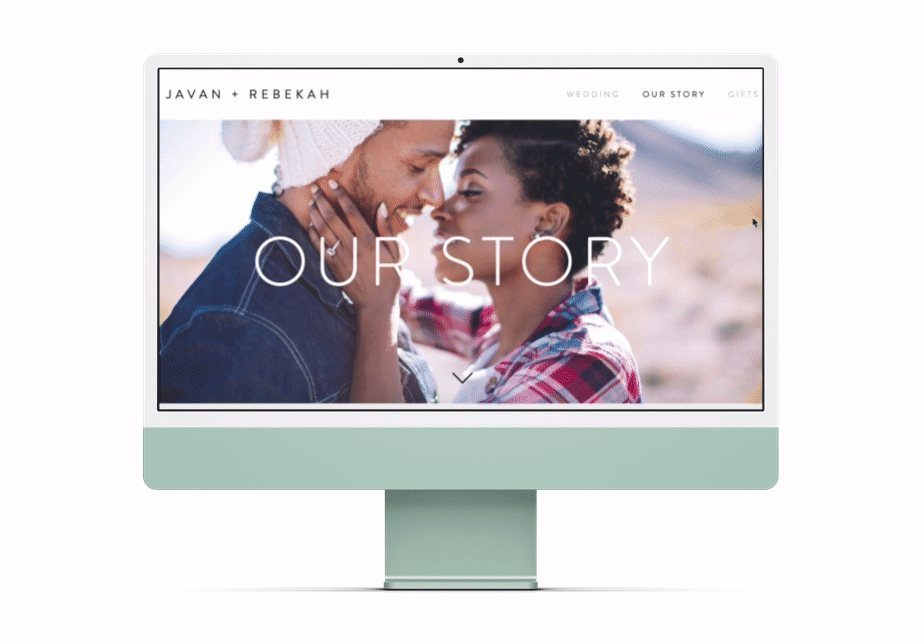
A story page gives you space to tell how you met, how long you’ve been together, and how the proposal happened.
This one opens with a photo of the couple and a heading that says "Our Story," then the text runs below.
Most free platforms include a story section in their templates.
You write it once and it stays up for guests to read whenever they visit the site. Some guests will read it before they RSVP, others the week of the wedding.
I’d keep it to a few short paragraphs. Long enough to feel personal, short enough that people actually finish it.
4. Customizable Website Template

A template gives you the layout, fonts, and structure already built. You drop in your names, your date, your photo, and the site is live.
Free platforms like The Knot, Minted, and Zola all offer customizable templates.
You pick one that matches your style, then swap the placeholder text and images for your own. No coding, no design experience needed, and the whole setup takes under an hour.
The template handles mobile formatting automatically, so guests can open it on any device.
Prepping wedding guests doesn’t have to be a whole song and dance. With Canva’s user-friendly wedding website builder, you can easily make a stunning, personalized website with everything anyone needs to know about the Big Day.
— Canva
5. Guest List
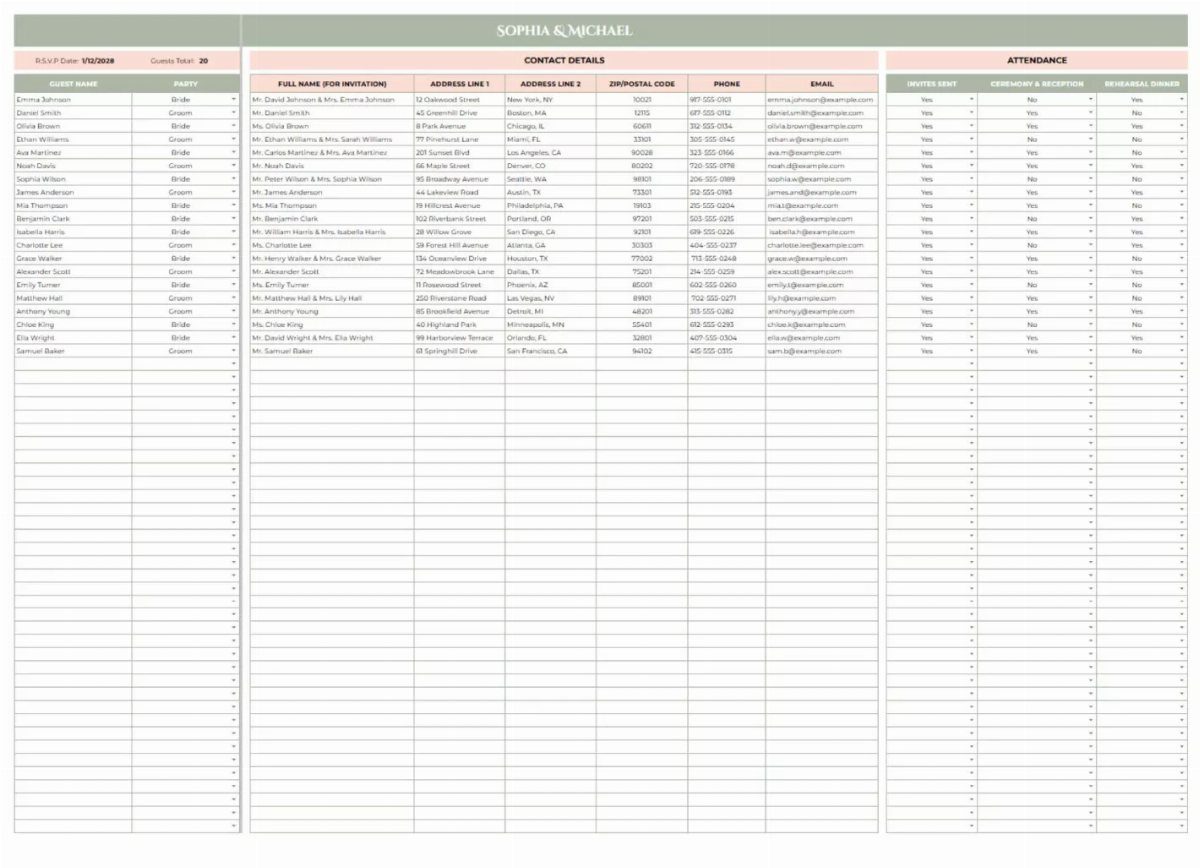
A guest list tool organizes names, addresses, phone numbers, and RSVP status in one spreadsheet.
Most free wedding websites include a built-in guest list manager that syncs with your RSVP form.
When someone responds online, their status updates automatically. You can also add guests manually if you’re collecting addresses for save-the-dates or tracking plus-ones.
I’d start the list early. You’ll reference it for invitations, seating charts, and final headcounts, so having it organized from the beginning saves time later.
Choosing a Wedding Website
The design question comes down to restraint versus volume. A platform with 40 well-art-directed templates is more useful than one with 1,200 that all look like they were built in 2014, so skim for quality over quantity when you’re comparing options.
RSVP and guest management depth varies more than most platforms admit upfront.
Before you commit to one, check whether it handles meal choices, plus-ones, multi-event responses, and whether you can export your guest list without a workaround. Those details matter when you’re running your final headcount.
Also worth checking before you sign up: what happens after the wedding.
Some platforms keep your site live; others quietly wind it down. Ask now whether the photo gallery and guest data will still be accessible after the wedding, not the week you return from your honeymoon.
Maximizing Website Features
A clear menu structure does most of the work a FAQ page can’t. Separate tabs for Hotels, Ceremony + Reception, Registry, and RSVP let guests find information themselves instead of texting you at 9 p.m. the night before.
An FAQ page handles the rest.
Dress code, parking, arrival time, whether kids are invited: answer those once and you stop answering them individually. Most platforms will prompt you with common questions to get started.
The URL matters more than it seems.
A short, readable address is one guests can type from a printed save-the-date without mistyping it. If the platform offers a clean custom domain or short subdomain, take it.
Budgeting for Wedding Websites
The cost usually shows up when you want a custom domain or advanced RSVP tools, so read what’s included before assuming you’ll need to upgrade.
Paid options like Riley & Grey ($39/month or $299/year) or Bliss & Bone ($15–$21/month) are polished, but those costs add up over a long engagement. Wedsites charges $99 as a one-time payment for its standout features, and Appy Couple runs $99/year.
Since Joy, Zola, and The Knot cover most of the same ground for free, the case for paying is hard to make unless there’s a specific feature you can’t get elsewhere.
Frequently Asked Questions
Is Zola really free?
Zola offers a free wedding website that covers RSVP forms, guest list management, and template customization. The free version covers everything unless you choose to add premium features.
What is the cheapest wedding website?
Joy, Zola, The Knot, Minted, and WeddingWire all offer free wedding websites with RSVP tools and guest list features built in. WeddingWire charges $24/year for a custom domain, though the base site costs nothing.
Do I need a wedding website?
A wedding website gives guests one place to check timing, location, dress code, and hotel options without texting you for details.
It also handles RSVPs online so you’re not chasing down mailed cards, and the guest list updates automatically as responses come in.